Loading NexProTools...
Preparing interactive calculation engine
Preparing interactive calculation engine
Calculate focal length, object distance, or image distance for thin converging and diverging lenses.
Deterministic Mathematical Simulation Engine • Verified Calculations
Calculate focal length, object distance, or image distance for thin converging and diverging lenses.
| Parameter | Value | Unit |
|---|---|---|
| Focal Length (f) | 10 | cm |
| Object Distance (d_o) | 30 | cm |
| Metric | Calculated Output |
|---|---|
| Image Distance (d_i) | 15 |
Want to use this tool on your own blog or website? Copy the code below to embed a fully interactive responsive version instantly.
This Thin Lens Calculator tool is provided strictly for educational and illustrative purposes. Calculations are derived using standard physical equations and chemical stoichiometric ratios. While the tool outputs precise solutions based on exact input values, floating-point rounding limits in code may introduce minor decimal deviations. All values should be verified independently for academic, research, or laboratory submissions.
Personalized Actionable Insights
The image forms at 15.00 cm from the lens, on the opposite side of the lens from the object. A real & inverted image means it can be projected onto a screen and is formed by actual light ray convergence.
Calculate magnification: M = -d_i / d_o. A negative M means the image is inverted; |M| > 1 means it is enlarged.
Identify lens type: Converging (convex) lenses have positive focal lengths; diverging (concave) lenses have negative focal lengths.
Apply to real optics: Use these values to position cameras, eyepieces, or projector lenses for precise image placement.
Understand the logic under the hood. Here is the formula and exact variable mappings utilized by the Thin Lens Calculator to compile results.
IMAGEDISTANCEOUTPUT = (objectDistance * focalLength) / ((objectDistance - focalLength) || 1)
The Thin Lens Calculator processes mathematical rules to calculate instant results. By taking inputs, applying standard parameters, and updating equations, it yields precise values without manual accounting errors.
Adjustable user parameter. Enter a valid value between 0 and unlimited (Default value: 10cm).
Adjustable user parameter. Enter a valid value between 0 and unlimited (Default value: 30cm).
Our Thin Lens Calculator executes robust algorithmic code to deliver instant, entertainment-optimized calculations for social sharing and reflex stats.
See the calculation in action. Below is a step-by-step mathematical example using default parameters to demonstrate how values are processed and generated.
Initialize all calculator inputs with their official default values: Focal Length (f) = 10cm, Object Distance (d_o) = 30cm.
The engine compiles the parameters and triggers the formulas in the calculation library.
Under this standard setup, the calculator yields: Image Distance (d_i): 15.
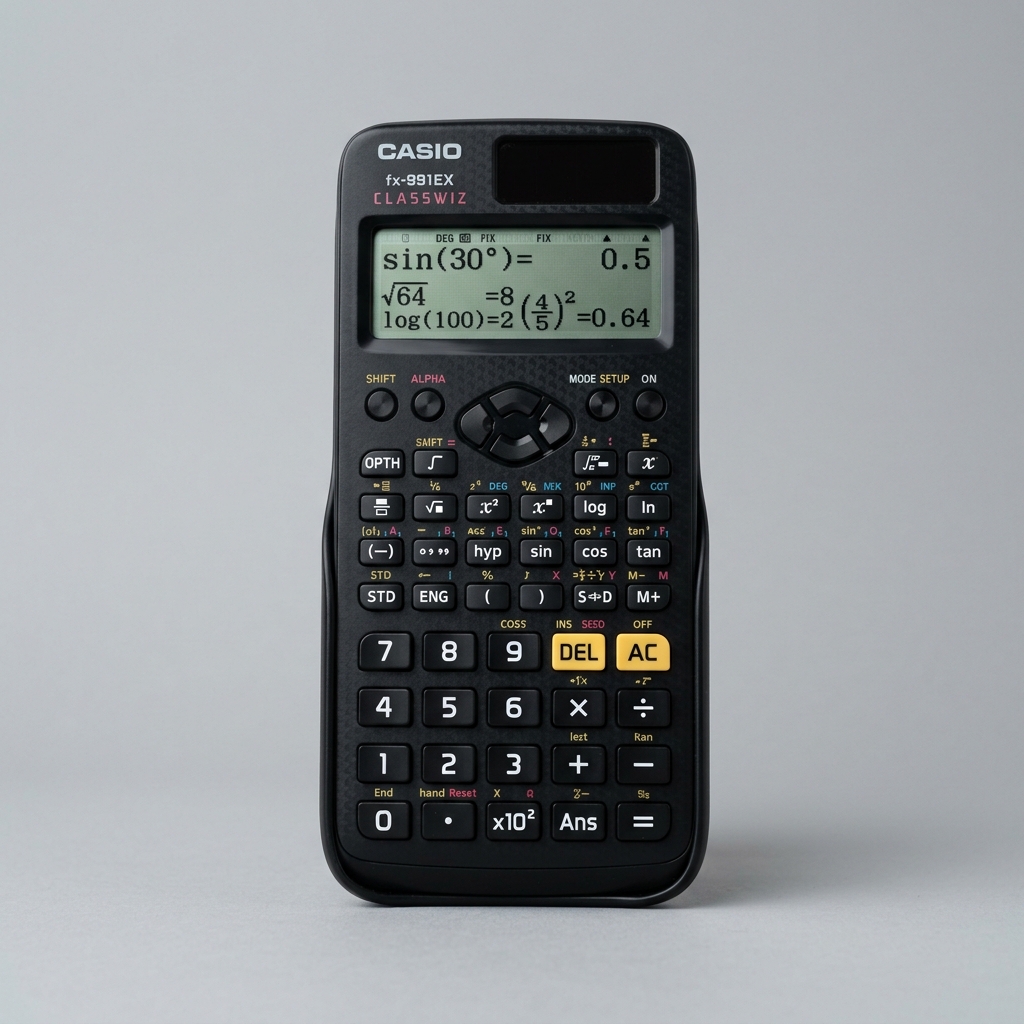
The #1 recommended scientific calculator for board exams, college chemistry, physics, and laboratory classes.
As an Amazon Associate we earn from qualifying purchases.
Calculate net force, mass, or acceleration using Newton's second law of motion (F = ma).
Calculate average velocity, distance traveled, or time interval using the formula v = d/t.
Calculate constant acceleration using initial velocity, final velocity, and time.
Did you find these formulas useful? You can bookmark this page (press Ctrl+D) to access it instantly anytime, copy the live URL overrides, or even embed a fully interactive responsive widget on your own blog.
Solve the thin lens formula 1/f = 1/do + 1/di to find focal length or image coordinates.
Calculate focal length, object distance, or image distance for thin converging and diverging lenses.
The thin lens equation 1/f = 1/d_o + 1/d_i relates three key quantities in geometric optics: focal length (f), object distance (d_o), and image distance (d_i). It can be rearranged to solve for any variable: d_i = (d_o × f) / (d_o - f). The sign convention is crucial: positive focal length for converging lenses, negative for diverging.
Magnification (M) can be calculated as M = -d_i / d_o. A positive magnification means an upright (virtual) image; negative means inverted (real). When |M| > 1, the image is enlarged; when |M| < 1, the image is reduced. This equation assumes a thin lens where thickness is negligible compared to the focal length.
When d_o = f, the denominator (d_o - f) becomes zero, meaning d_i approaches infinity. The light rays emerge parallel — no image is formed. This principle is used in collimators and flashlights.
Nearsighted eyes use diverging (concave) lenses to spread light before it enters the eye, moving the focus back onto the retina. Farsighted eyes use converging (convex) lenses to help focus light onto the retina.
A real image is formed where light rays actually converge — it can be projected onto a screen (positive d_i). A virtual image is formed where light rays appear to diverge from — it cannot be projected, only seen through the lens (negative d_i).
Calculate net force, mass, or acceleration using Newton's second law of motion (F = ma).
Calculate average velocity, distance traveled, or time interval using the formula v = d/t.
Calculate constant acceleration using initial velocity, final velocity, and time.
Calculate the momentum of a moving object using its mass and velocity.
Calculate mechanical power generated using work done and elapsed time.
Disclaimer: This Thin Lens Calculator tool is provided strictly for educational and illustrative purposes. Calculations are derived using standard physical equations and chemical stoichiometric ratios. While the tool outputs precise solutions based on exact input values, floating-point rounding limits in code may introduce minor decimal deviations. All values should be verified independently for academic, research, or laboratory submissions. All calculations are performed entirely in your browser — no data is sent to our servers.